
Partswatch now chases suppliers
Set a promised date on a part and Partswatch emails the supplier when it passes, without being asked. Plus bulk status changes and nine fixes.
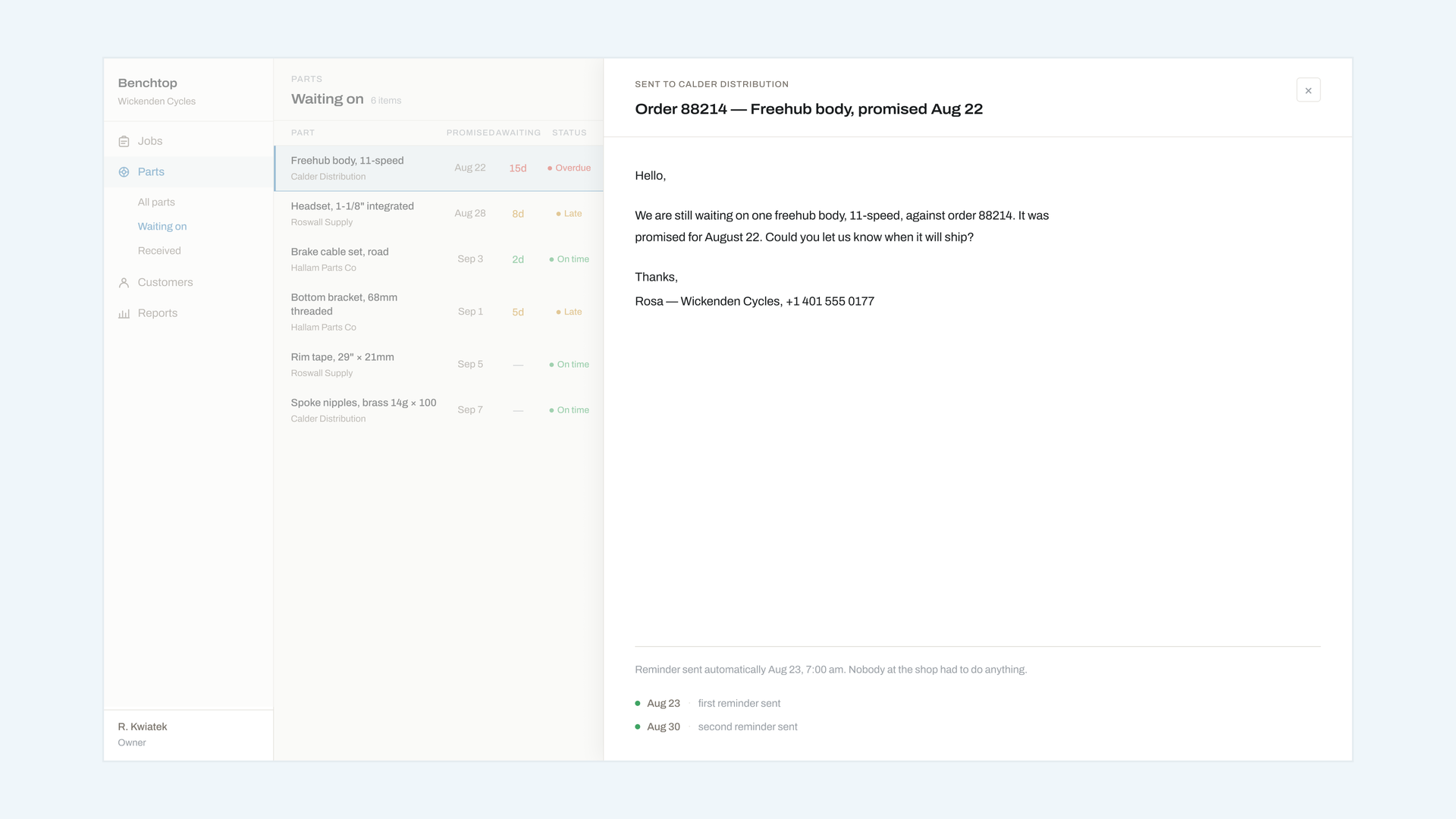
Put a promised date on a part and Partswatch will email the supplier the morning after it passes, asking when it will ship. You do not have to remember, and neither does anybody else.
The email is deliberately short and carries no branding at all — your shop name, the order reference, the part, the two dates, and one question. Trade counters read the first line and stop, so the first line is the part number and the date.
You can read the exact wording before you turn it on, in Settings → Partswatch, and switch it off per supplier for the ones who would rather you rang. Nothing sends without a promised date, so existing jobs are unaffected until you add one.
Improvements
- Select several jobs on the board and change their status in one go. The obvious use is clearing the shelf on a Monday.
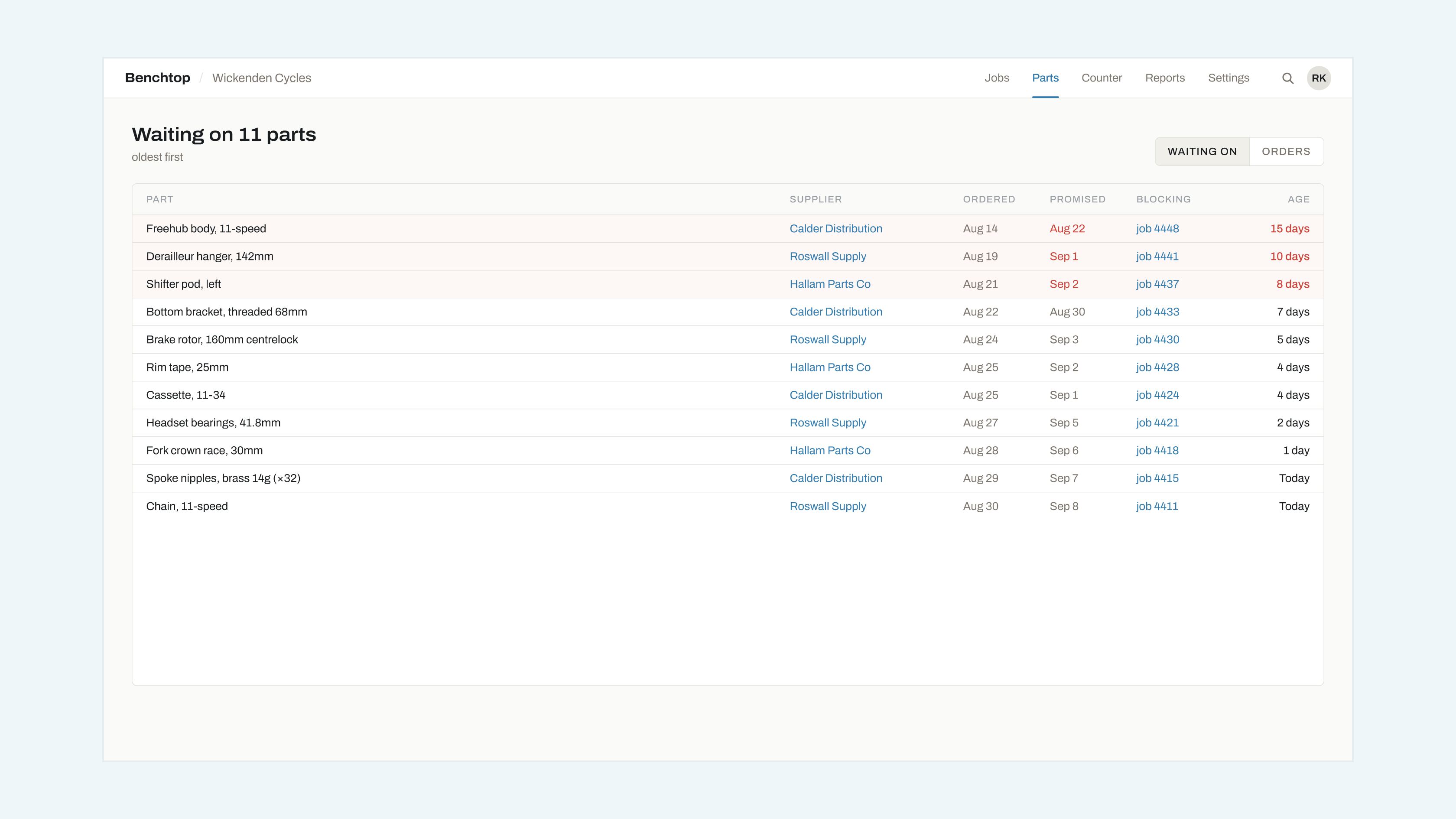
- Partswatch now sorts by age by default rather than by job number, which is what everybody was manually doing.
- The supplier field remembers what you have typed before, per shop, so the same distributor is not spelled three ways by three people.
- The customer's page now says the date a part was ordered, not just that one is on order.
Fixes
- A job could show as waiting on a part after the part was booked in, if both happened in the same minute.
- Promised dates in the past were accepted at entry and then never chased.
- The Partswatch count in the top bar did not update until a reload.
- Marking a part received from the job card did not move the job back to the bench queue; from the Partswatch list it did.
- Long supplier names wrapped the row to two lines on narrow screens.
- The chase email used the shop's legal name rather than its display name.
- Times were shown in UTC on the parts list and local everywhere else.
- Deleting a job left its part row on the Partswatch list, pointing at nothing.
- An empty Partswatch list showed a loading spinner rather than saying it was empty.
Chasing a part
How to set a supplier and a promised date, what the chase email says, and what happens when the part lands.