
Inviting the rest of the shop
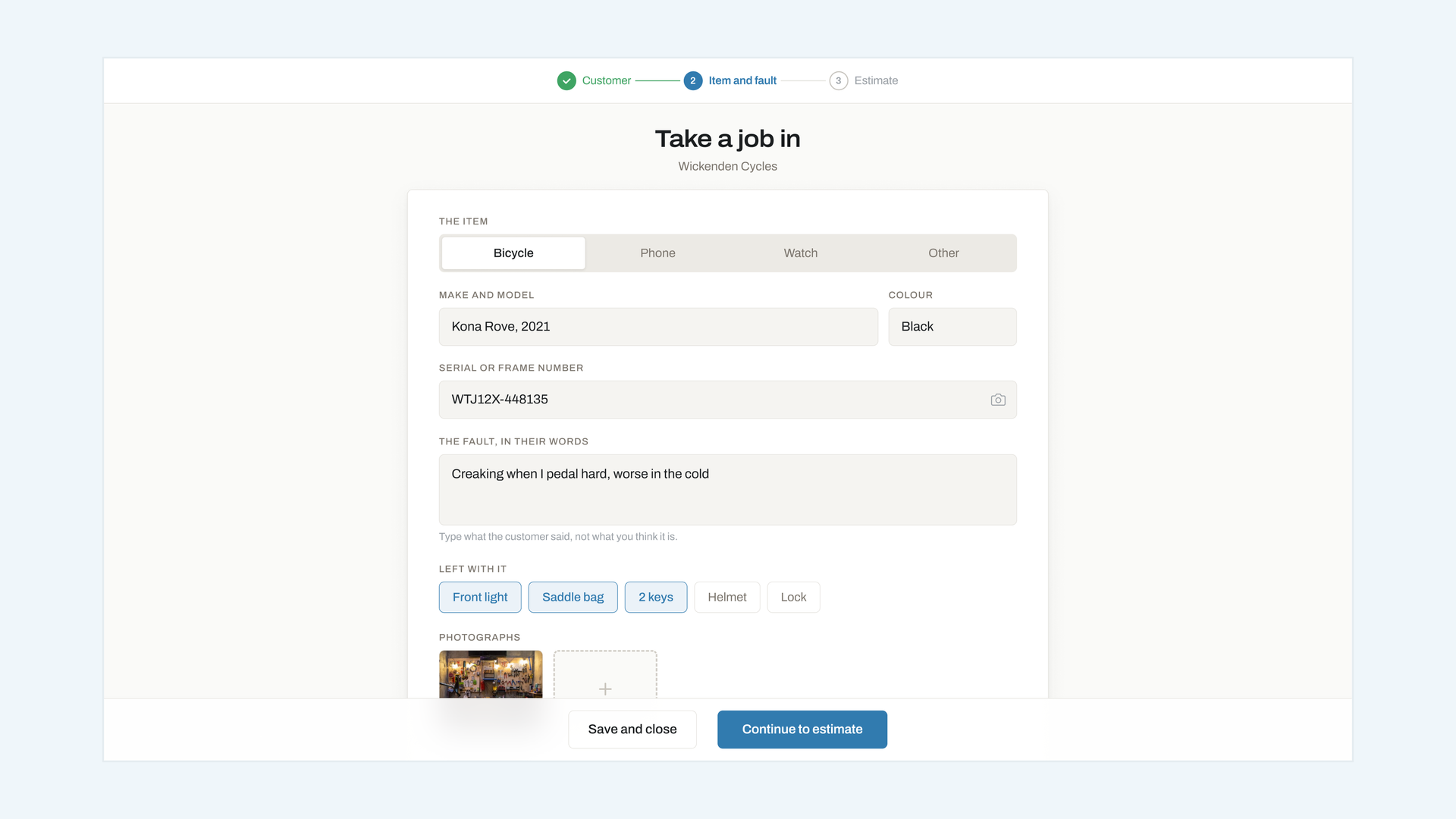
Add the people who work with you, decide what each of them can see, and take access back the day somebody leaves.
Everyone who touches a job should have their own login. Shared accounts make the notes useless, because a note that says who wrote it is the only thing that settles a handover.
Adding somebody
Go to Settings → People → Invite. You need their email address and a role. They get one message with a link that expires in seven days; if it lapses, send it again from the same screen.
Choosing a role
There are four, and they stack:
- Counter — take jobs in, add notes and photographs, send messages. Cannot see money.
- Mechanic — everything a counter can do, plus moving jobs between statuses and logging bench time.
- Manager — everything above, plus prices, deposits, reporting and the rota.
- Owner — everything, plus billing and the ability to close the account.
A seasonal hire almost always wants Counter. It gives them the board, the intake form and the message history, and none of your margins.
Taking access back
Settings → People → Remove. It takes effect immediately, on every device they are signed in on. Their notes and their name stay on the jobs they worked, because removing somebody should not rewrite the record.