
Pricing a part you fitted
A part costs you one number and the customer another, and the gap should not depend on who is on the counter that day.
Where the numbers come from
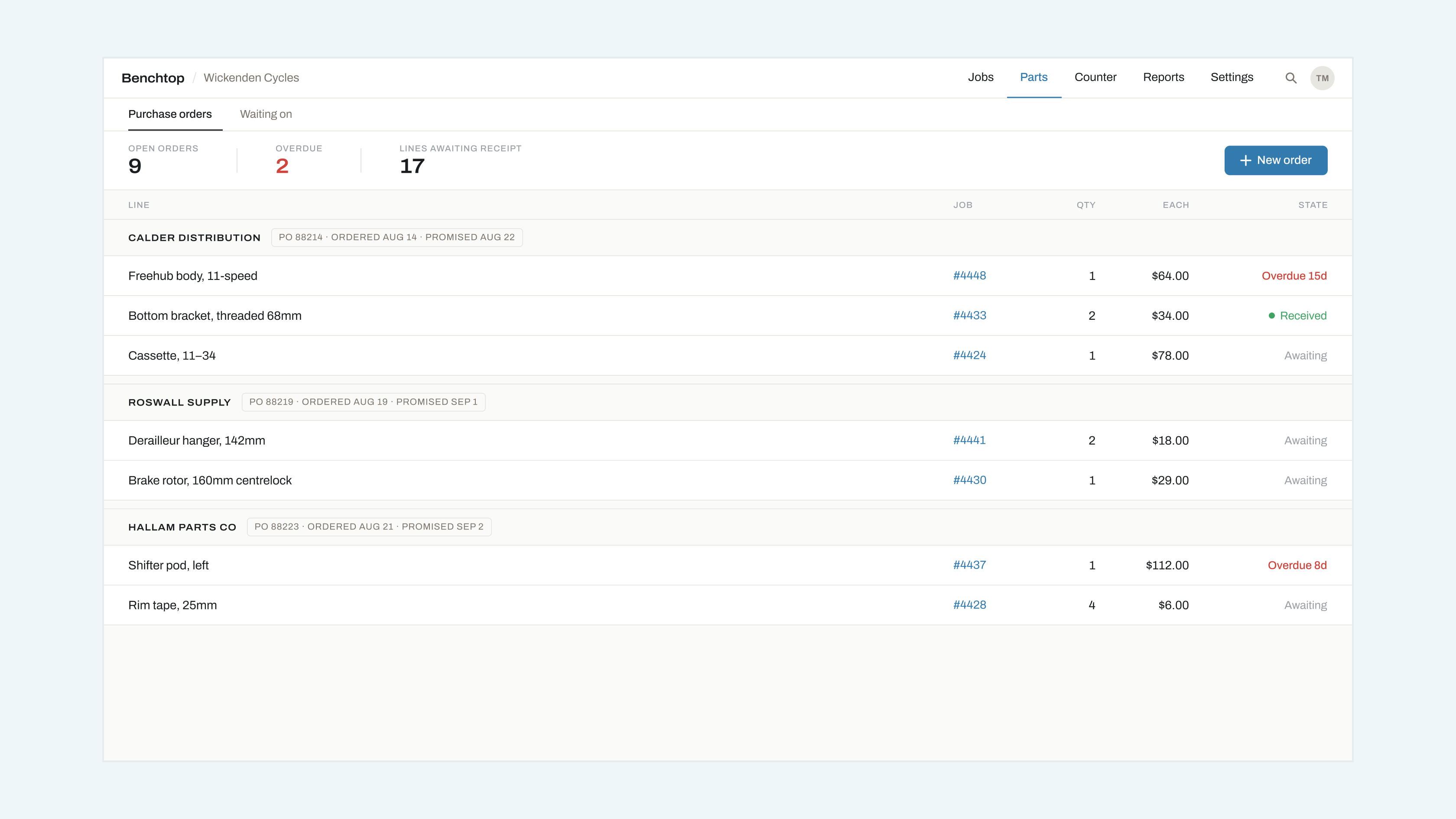
The cost is what you paid, taken from the order line when the part is received. The price is what the customer pays. Both live on the job's parts line.
Setting a default margin
Settings → Parts → Default markup takes a percentage. Every part received gets priced at cost plus that, rounded to the nearest whole unit of currency.
You can override the markup per supplier, which is what most shops end up doing: consumables at one rate, expensive components at a lower one.
Overriding on a job
Type over the price on the line. Benchtop records that it was overridden and by whom, so a total that looks odd three weeks later has an explanation attached rather than a mystery.
Parts you already had
For something off your own shelf, add the line by hand and set both numbers. There is no stock control in Benchtop, deliberately — it is a job book, not an inventory system.