
Job statuses
The life of a job
A job is always in exactly one of these four, and only one of the moves between them is a loop.
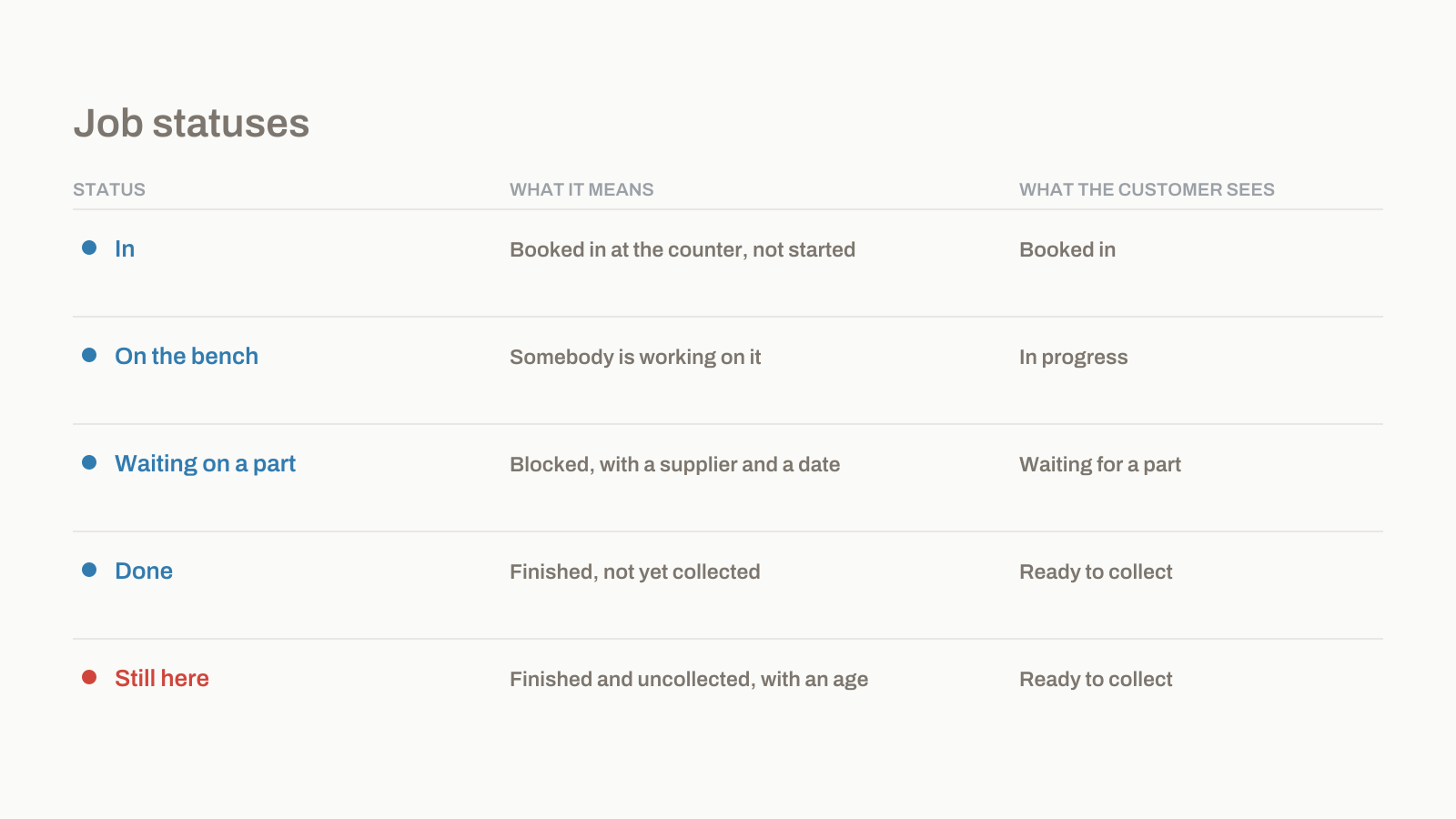
Five statuses. A job is always in exactly one of them, there are no sub-statuses, and you cannot add your own. This page is the definition; the guides cover the doing.
The five
| Status | What it means | What moves a job in | What the customer sees |
|---|---|---|---|
| **In** | Booked in at the counter, nobody has started | Intake, or accepting a Shopfront submission | *Booked in* |
| **On the bench** | Somebody is working on it | Assigning it to a bench | *In progress* |
| **Waiting on a part** | Blocked, with a supplier and a promised date | Setting the status and naming the part | *Waiting for a part*, with the date it was ordered |
| **Done** | Finished, not yet collected | Marking it done, which sends the Ready text | *Ready to collect*, with what is left to pay |
| **Still here** | Finished and uncollected, with an age on it | Automatic, after a number of days you set | *Ready to collect* — unchanged |
How they connect
The only loop is Waiting on a part back to On the bench, when the part is booked in. Everything else runs forwards.
Still here
What does Still here mean?
The job is finished and the customer has not collected it. It exists because shops asked for it.
Questions
Can I add my own statuses?
No.
Can a job go backwards?
Yes, any status to any status, and the change is recorded with who did it. The customer's page shows the new state rather than the history of your corrections, so fixing a mis-click does not look like chaos from their side.
What happens to Still here jobs after a year?
Nothing automatic. They keep ageing and they keep counting, because a job that has been on your shelf for four hundred days is a fact and hiding it is not our decision to make. What you do about it is covered in the writing, not here.