
Booking a part in when it arrives
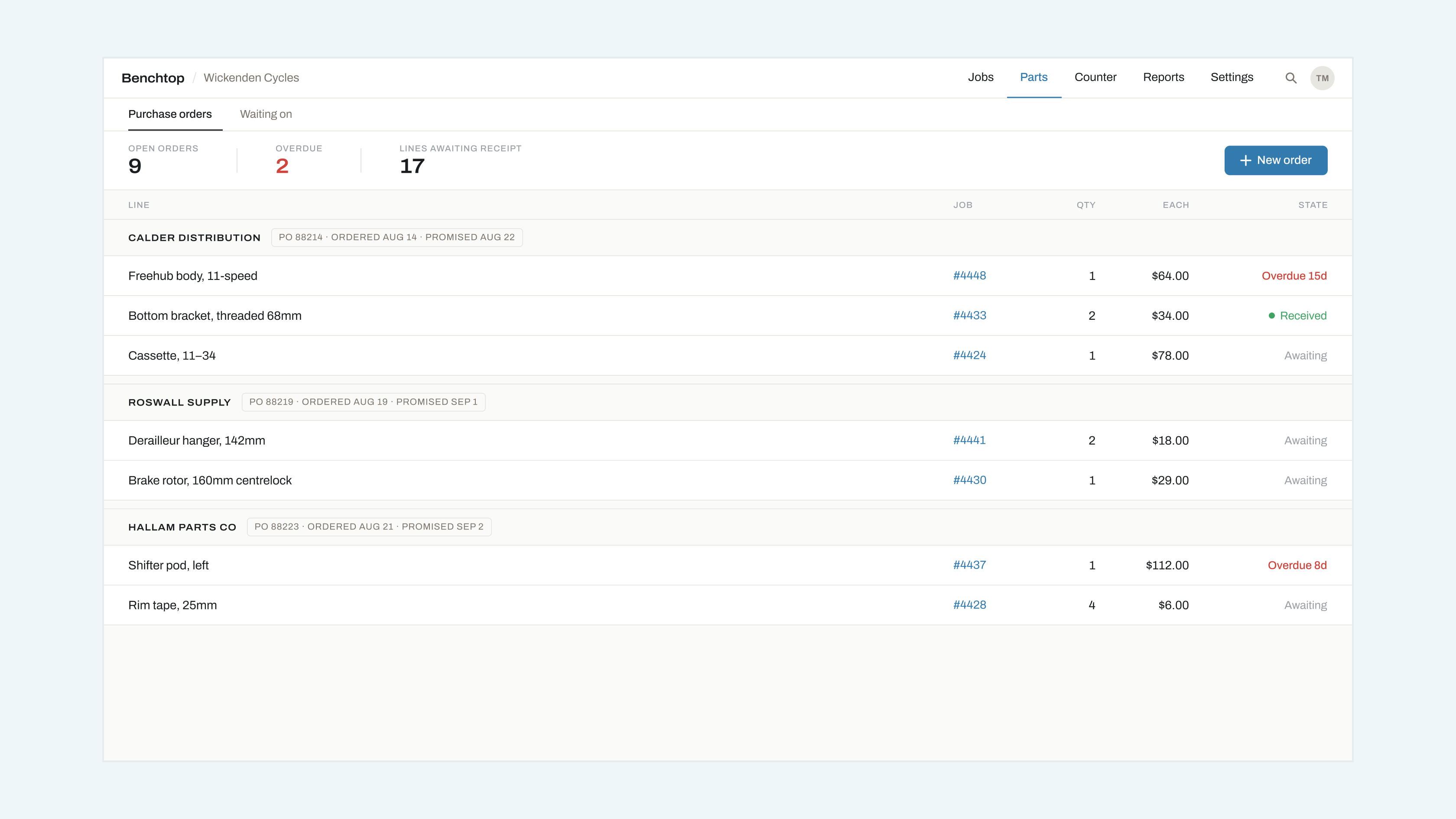
Booking a part in is the step that unblocks a job, so it is worth doing at the moment the box is opened rather than at the end of the day.
Receiving it
Open Parts → Orders, find the line, and press Received. If the delivery is partial, change the quantity first; the line stays open for the remainder.
What happens next
The job that line was blocking moves out of Blocked and back into Booked, at the position its promised date earns it. Whoever is on the bench sees it reappear on the board. Nobody has to be told.
If the job was already late, it keeps its late marker — receiving a part does not reset a promised date that has already passed.
Wrong part
Press Received, then Report a problem on the line. This reopens the order line, records what arrived, and drafts a message to the supplier. The job stays blocked, because it is.