
Splitting a job, or merging two
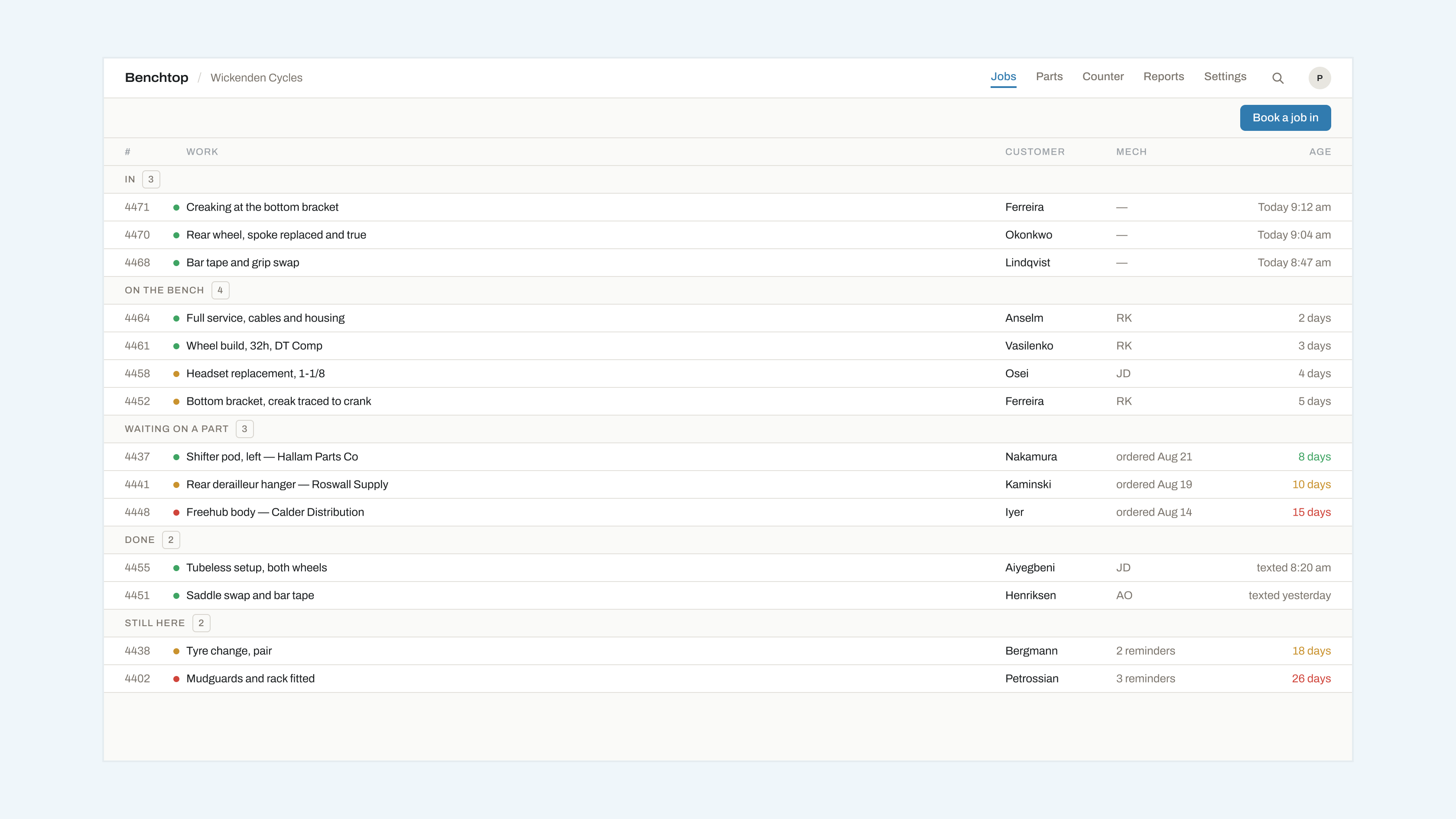
Sometimes a job turns out to be two, and sometimes two turn out to be one.
Splitting
On the job card, More → Split job. Choose which labour and parts lines move to the new card. Notes and photographs stay with the original unless you tick them across. The customer gets one message telling them there are now two jobs, each with its own link.
Split when the second item can be finished and collected independently. Do not split a repair into stages — that is what statuses are for.
Merging
More → Merge into…, then pick the other job. Everything moves: lines, notes, photographs and message history. The merged-away job number stays valid and redirects, so a customer holding the old link is not stranded.
Merge when somebody brought two things in on two visits and wants to collect them together.