
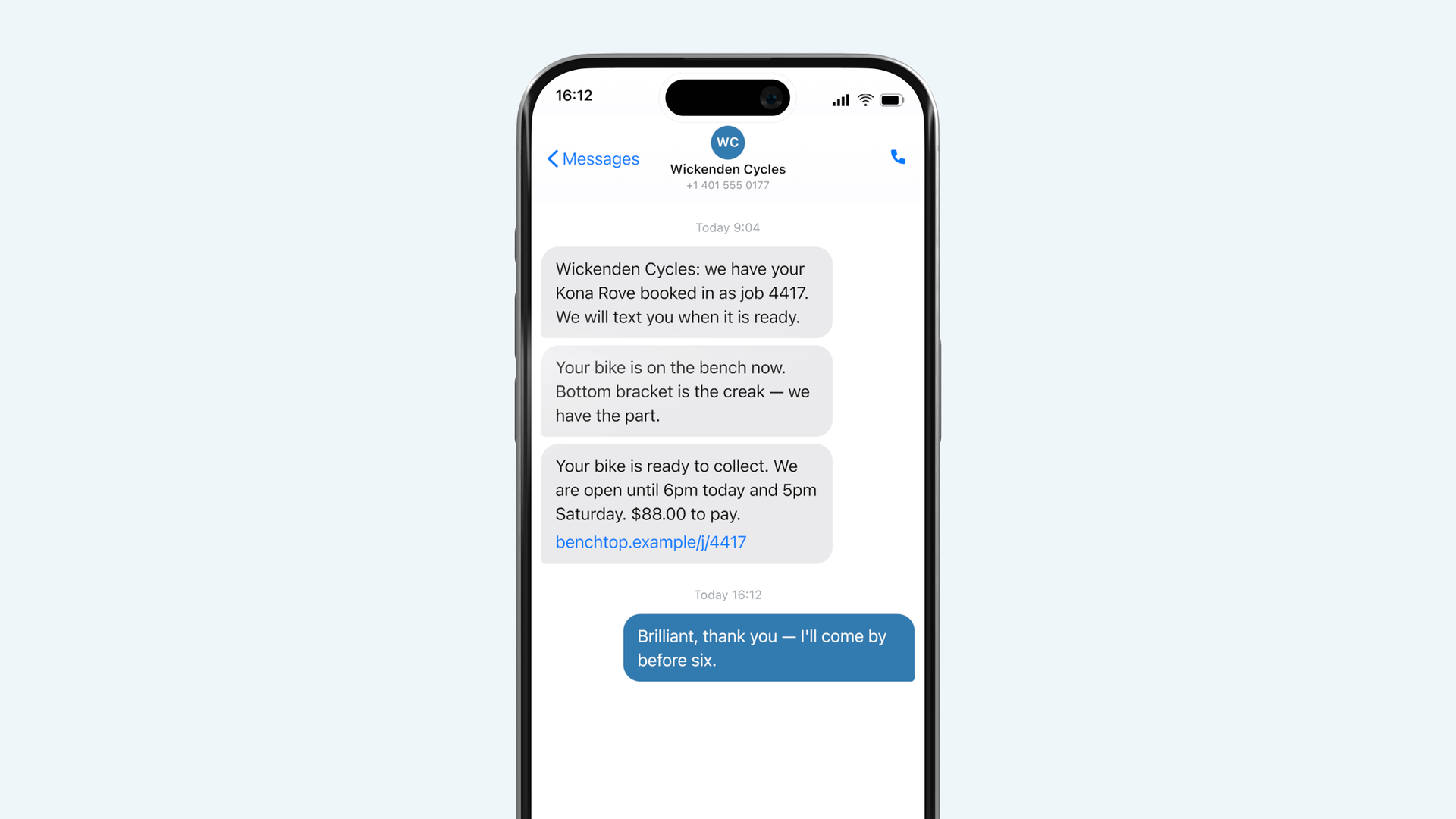
Some customers ask not to be texted. Turn the messages off on the job rather than for the whole shop.
Not everybody wants a text, and a trade customer bringing in nine bikes definitely does not want nine of them.
For one job
On the job card, More → Messages off. Nothing further is sent for that job. The job page link still works if you want to send it by hand.
For one customer, always
Open their customer record and set Messages: never. It applies to every future job. Use this for trade accounts and for anybody who asks.
For a whole class of work
If you take in a lot of trade work, tag those jobs and set the tag to suppress messages under Settings → Messages → Exceptions.
What still happens
Turning messages off does not turn off the job page. The customer can still open the link if they have it, and Counterview still shows the item as ready. It stops Benchtop contacting them, not the shop.