
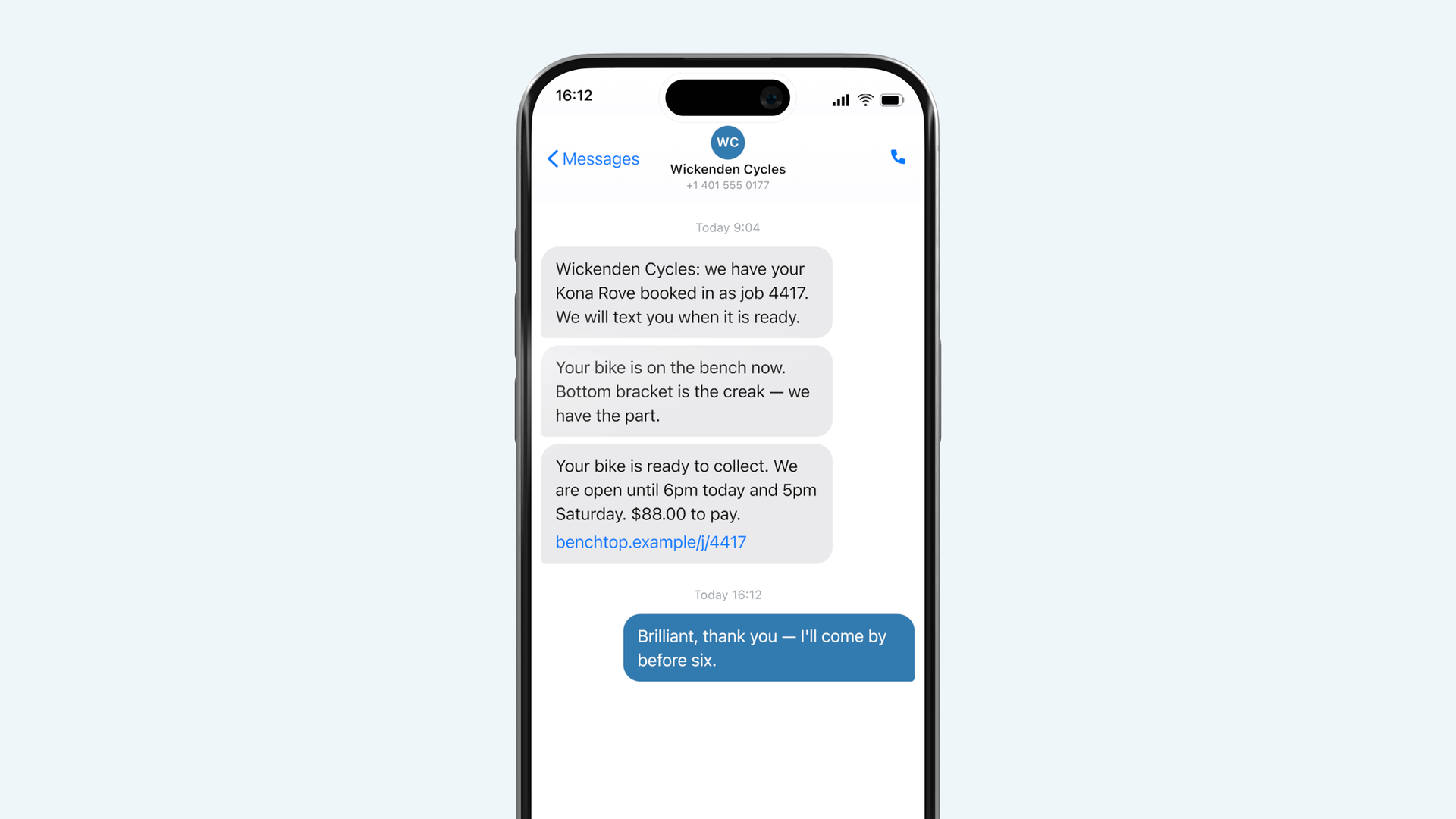
Settings → Messages. All four are yours to rewrite.
The placeholders
Anything in braces is filled in when the message is sent: `{shop}`, `{item}`, `{job}`, `{total}`, `{link}`, `{hours}`. Leave them in, spelled exactly as they are. A message with `{lnik}` in it sends with `{lnik}` in it.
`{link}` should stay in the ready message whatever else you change. It is the thing that stops the phone call.
Length
A message that runs past about three hundred characters splits into two on some networks and arrives out of order on a few. Benchtop warns you at that point. Shorter is also just better: the customer is reading it in a queue somewhere.
Test it
Send a test puts the message on your own number with realistic sample values. Read it out loud. Anything that sounds like software when read aloud sounds like software when received.