
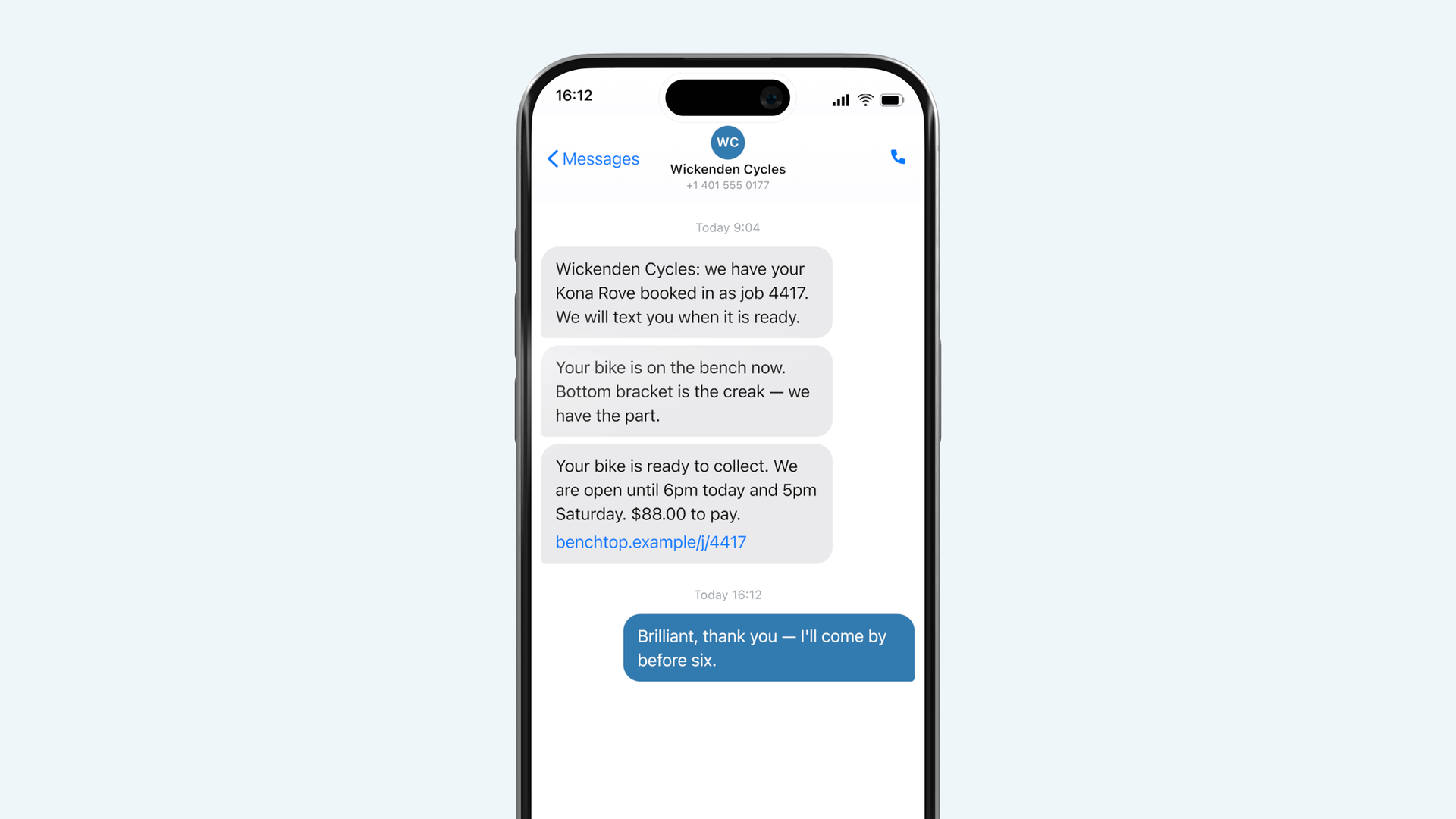
Four messages, and they go out in your shop's name rather than ours. Here they are in full, because you should know exactly what your customers receive before you switch any of it on.
The four messages
| When it sends | What it says by default | Can you turn it off |
|---|---|---|
| **Booked in** — immediately | *"{Shop}: we have your {thing}. We will let you know when it is ready. {link}"* | Yes |
| **Waiting on a part** — on status change | *"{Shop}: we are waiting on a part for your {thing}, ordered {date}. We will let you know when it lands. {link}"* | Yes |
| **Ready** — on status change | *"{Shop}: your {thing} is ready to collect. We are open until {hours}. {amount} to pay. {link}"* | No |
| **Still here** — after N days you set | *"{Shop}: your {thing} has been ready since {date} and is still with us. {link}"* | Yes |
Ready cannot be turned off. It is the message the product exists to send, and a Benchtop that does not tell people their thing is finished is a more expensive whiteboard.
What they actually look like
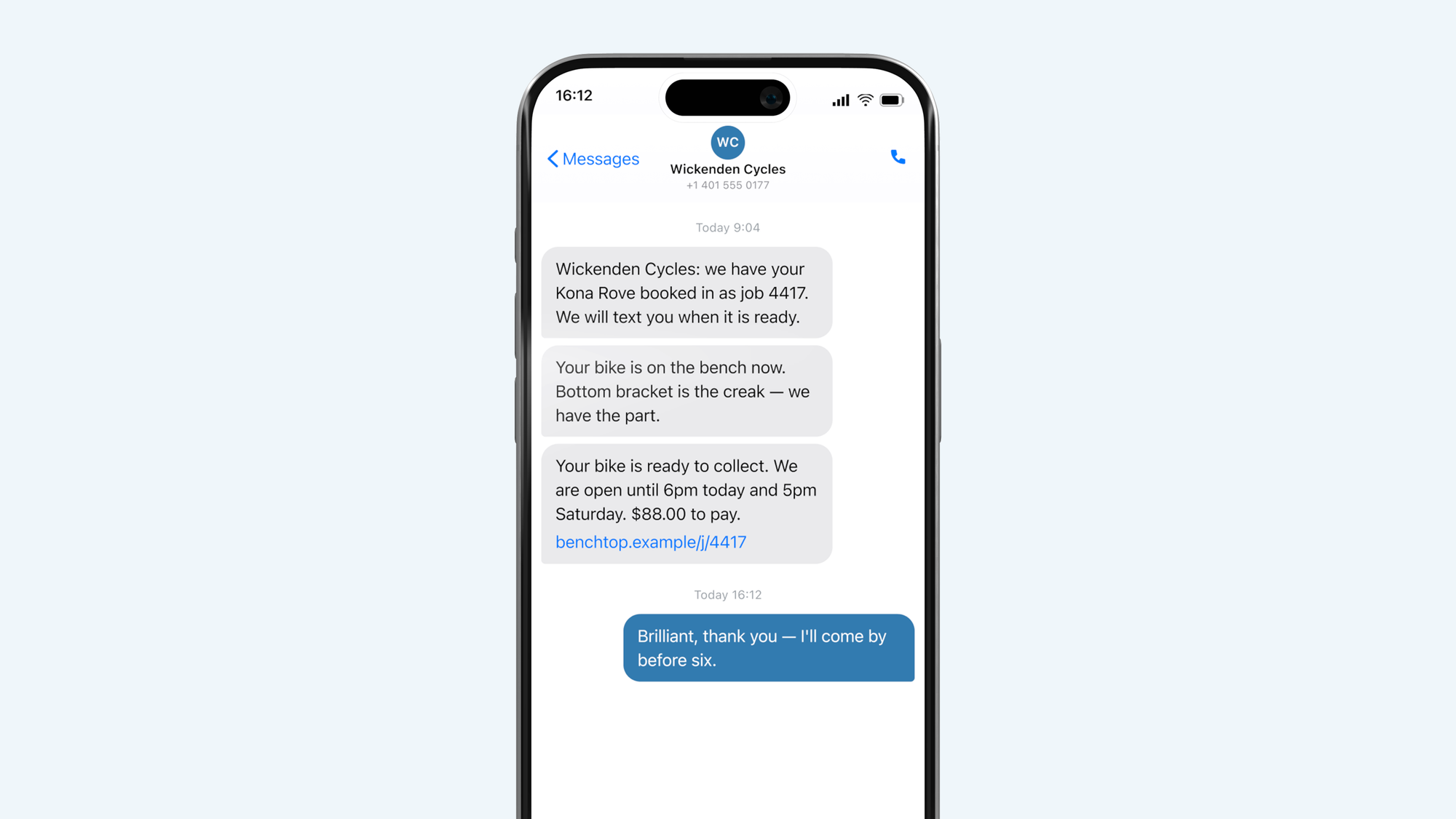
Changing the wording
Everything outside the braces is yours. The braces are placeholders and there are only two that matter:
- `{thing}` — what you typed into "What is it" at intake
- `{link}` — their job page. Leave this in. Without it the message is a notification rather than an answer, and they ring you to ask the rest
Shops mostly shorten rather than lengthen. The most common edit is deleting the second sentence of Booked in.
Put the name people recognise
The sender is your shop's name as you typed it in settings, not your legal entity. If your sign says Wickenden Cycles and your paperwork says Wickenden Cycles LLC, use the sign. A text from a company nobody recognises reads as spam and gets ignored, which is the one failure mode that matters here.
Questions
Can I send one myself, out of sequence?
Yes. There is a send box on every job card for anything the four do not cover — a price that has gone up, a question about a part, or telling somebody the job is worse than it looked. It goes from the same number.
What if a customer has no mobile number?
Then nothing sends and the job works exactly as before. The job page still exists and you can give them the link on a printed card, which is what shops do for the customers who do not text.
Can I turn all of them off and just use the page?
All except Ready, yes. Some shops do this for trade customers who bring in six things a week and do not want six texts a day.